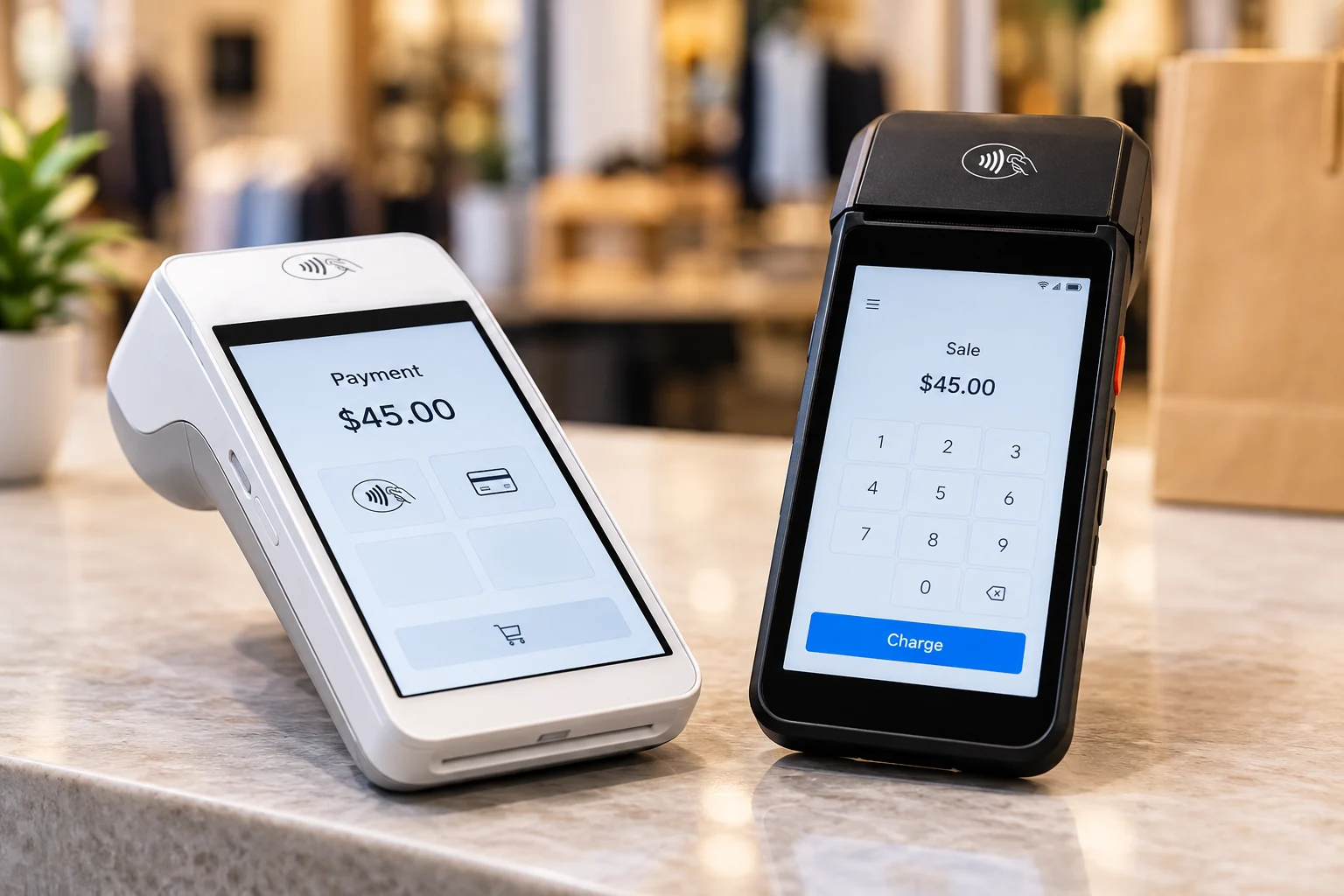
Choose your setup
In your application you can request a countertop terminal, a mobile terminal, or a full POS. These are options you can request, not promised models.
Points Business · POS
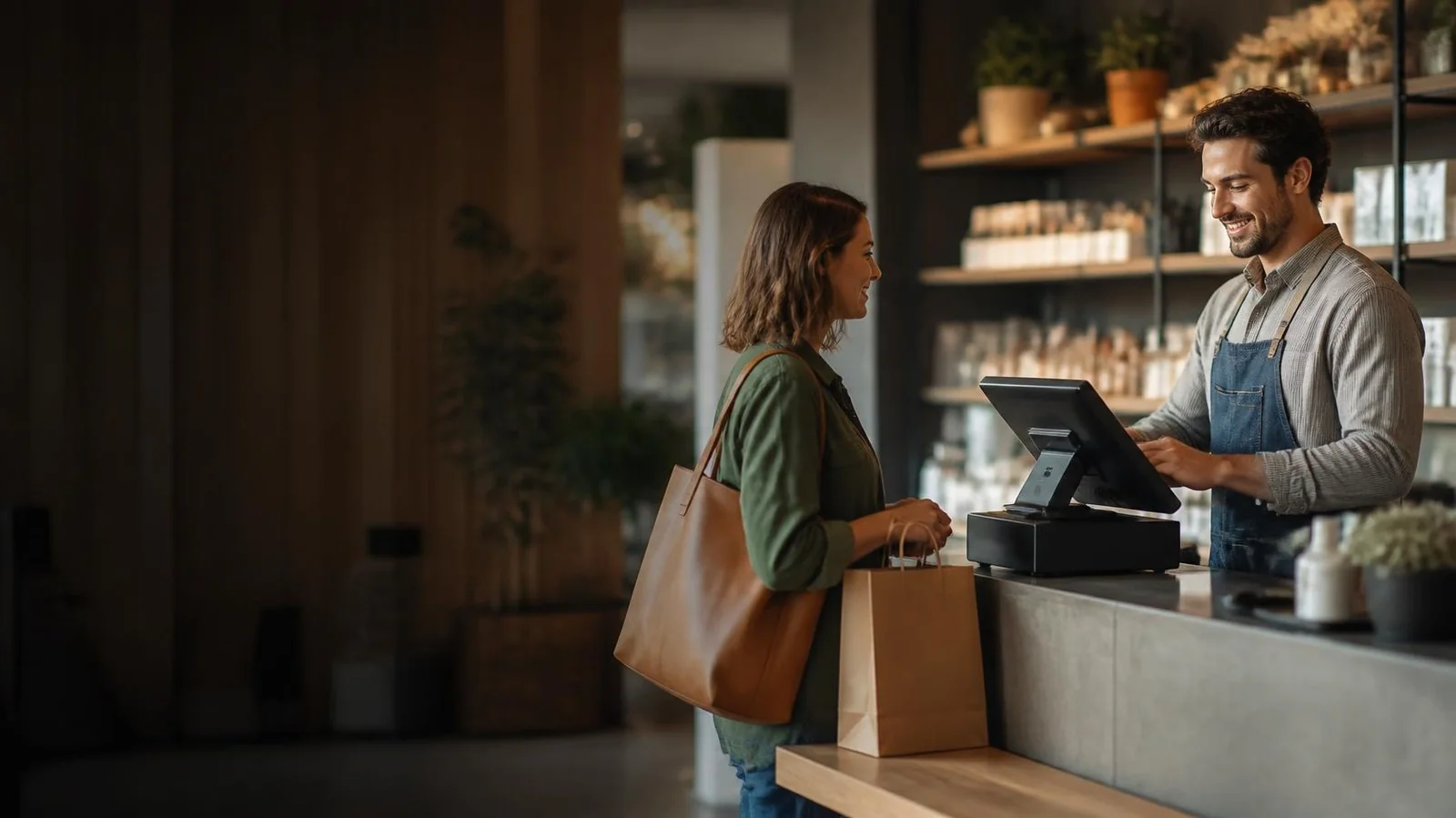
Apply for card-present payments and tell us the setup you need: countertop, mobile, or a full POS.
In your application you can request a countertop terminal, a mobile terminal, or a full POS. These are options you can request, not promised models.
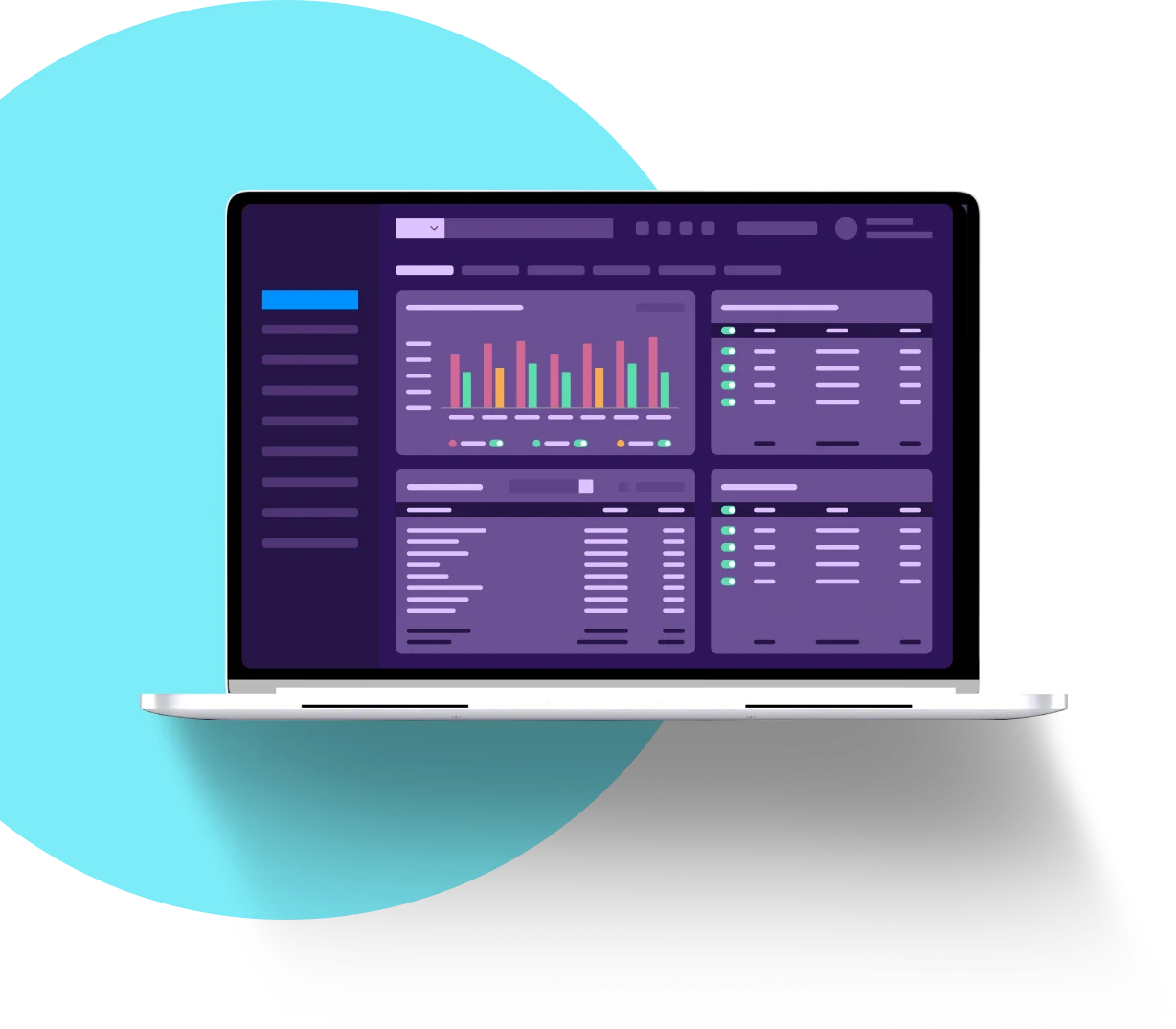
After approval and setup, manage your payments from your POINTS merchant dashboard.
How it works
Share your business profile and how you sell: in person, online, mobile, or recurring.
Every application is reviewed by our team. We will contact you if we need anything else.
We set up your account and payment tools after your application is approved.
FAQ
In your application you can request a countertop terminal, a mobile terminal, or a full POS. These are options you can request, not promised models.
Specific hardware models are confirmed with you once compatibility is verified, after your application is approved.
Select "Sign up for a Merchant Account" and tell us about your business and how you sell: in person, online, mobile, or recurring. Every application is reviewed by our team, and after approval we set up your account and payment tools.
After approval and setup, you manage your payments from your POINTS merchant dashboard.
Yes. You apply once and can add the payment tools that fit how you sell, including online payments, payment links, and Tap to Pay on a compatible phone for approved merchants. Loyalty is coming soon.
Our team can help you choose between a countertop terminal, a mobile terminal, and a full POS. Call (833) 374-1518, 24/7, or email info@thepoints.io.
Match the setup to how you sell. A countertop terminal fits a fixed checkout, a mobile terminal fits staff who move around the floor, and a full POS adds a broader in-person setup. In your application you can request any of these; specific hardware models are confirmed with you once compatibility is verified, after your application is approved.
Not always. Tap to Pay lets approved merchants accept contactless cards on a compatible phone with no extra hardware. Many businesses still request a countertop or mobile terminal for busy counters, chip cards, or staff who prefer a dedicated device. You apply once and add the payment tools that fit your business.
Apply once and tell us how your business sells. Our team reviews every application, and after approval we help you get set up.
Calls may be recorded.
Payment processing is subject to underwriting and approval. Submitting an application does not guarantee approval or pricing.