Contactless on your phone
Your customer taps their contactless card on your compatible phone to pay.
Points Business · Tap to Pay
Accept contactless cards on a compatible phone, with no extra hardware. Available to approved merchants.
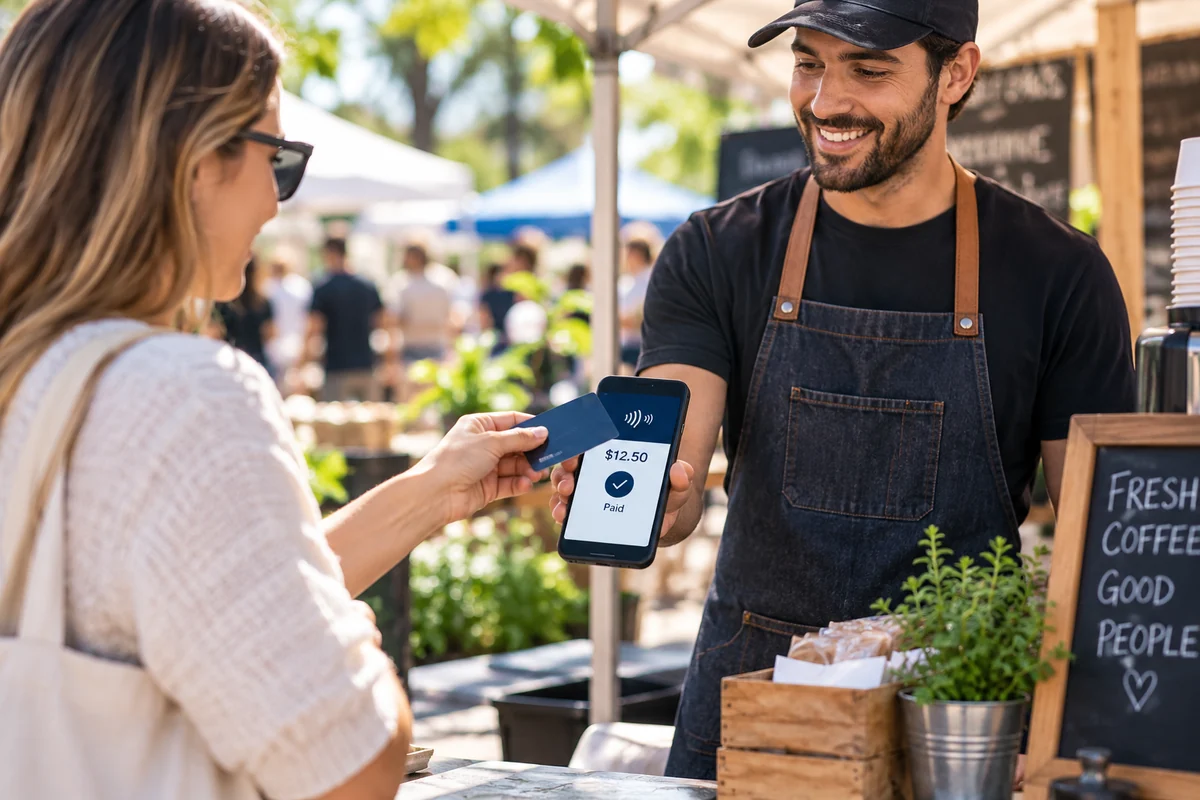
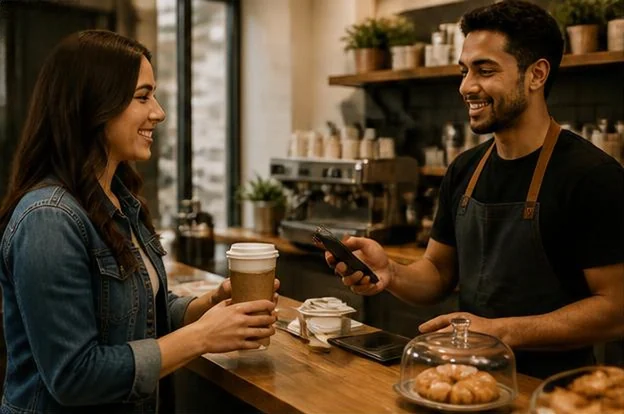
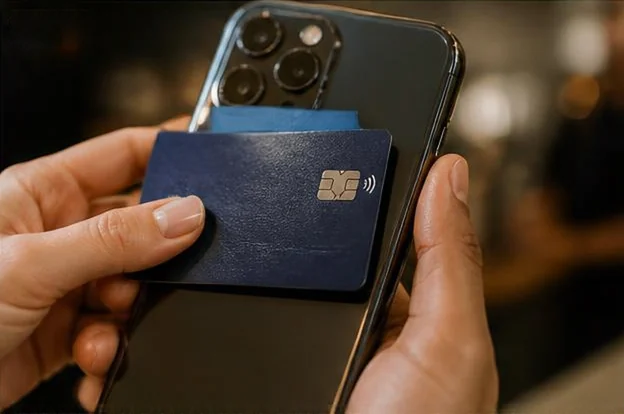
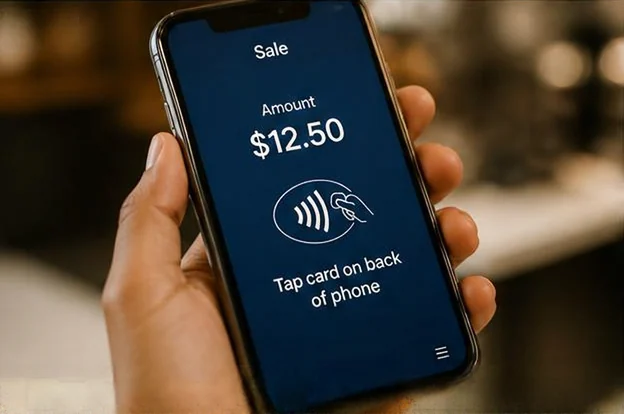
Your customer taps their contactless card on your compatible phone to pay.
Take payments wherever you are without a separate card reader. Payments go to your merchant account.
How it works
Share your business profile and how you sell: in person, online, mobile, or recurring.
Every application is reviewed by our team. We will contact you if we need anything else.
We set up your account and payment tools after your application is approved.
FAQ
Tap to Pay lets you accept contactless cards on a compatible phone, with no extra hardware. Your customer taps their contactless card on your phone to pay.
Tap to Pay works on compatible Apple and Android phones and tablets. Device compatibility is confirmed during setup.
No. You can take payments wherever you are without a separate card reader. Payments go to your merchant account.
Tap to Pay is available to approved merchants. It requires an approved Points merchant account and is enabled after underwriting approval and setup.
Select "Sign up for a Merchant Account" and tell us about your business and how you sell: in person, online, mobile, or recurring. Every application is reviewed by our team, and after approval we set up your account and payment tools. Questions? Call (833) 374-1518, 24/7, or email info@thepoints.io.
Yes. Tap to Pay lets you accept contactless cards on a compatible phone, with no extra hardware. It is available to approved merchants and is enabled after underwriting approval and setup.
Customers can pay by tapping a contactless card or a phone wallet such as Apple Pay or Google Pay on your compatible phone. Tap to Pay accepts major cards and mobile wallets that support contactless payments.
SoftPOS means taking contactless card payments on a compatible phone or tablet with no separate card reader. Points Tap to Pay is that kind of setup for approved merchants: the customer taps their contactless card or phone wallet on your device, and the payment goes to your merchant account.
Apply once and tell us how your business sells. Our team reviews every application, and after approval we help you get set up.
Calls may be recorded.
Tap to Pay is available to approved merchants. Every application is reviewed manually by our team.
Payment processing is subject to underwriting and approval. Submitting an application does not guarantee approval or pricing.